> ## Documentation Index
> Fetch the complete documentation index at: https://docs.zazubot.com/llms.txt
> Use this file to discover all available pages before exploring further.
# Overview
Everything you do in zazubot takes place in a workspace it's like a home. A workspace has members. It can be only you, your team, or the entire company.
Your plan is tied to your workspace. It means that if you have a Personal Pro workspace and you create a new workspace it will be by default a Free workspace.
You can create as many workspaces as you want.
## Members
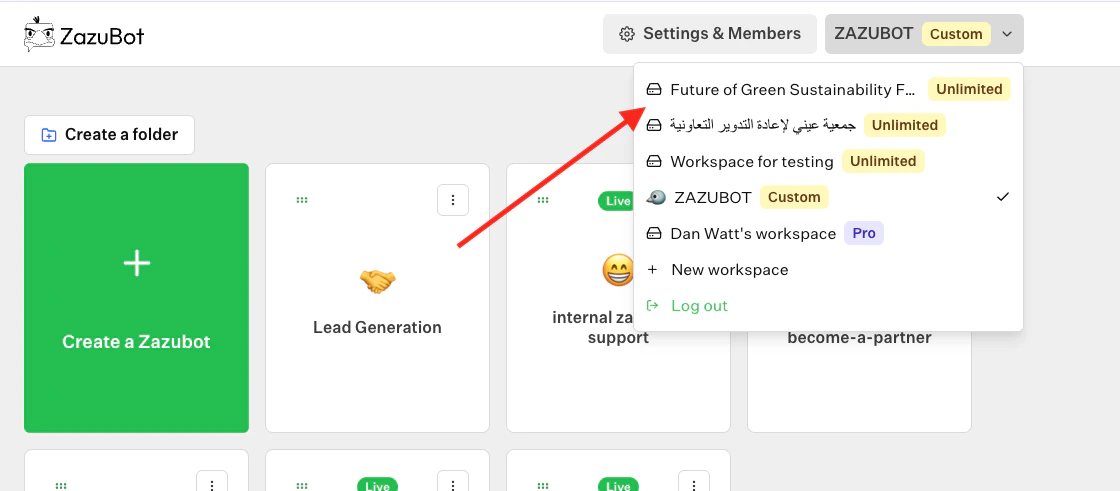
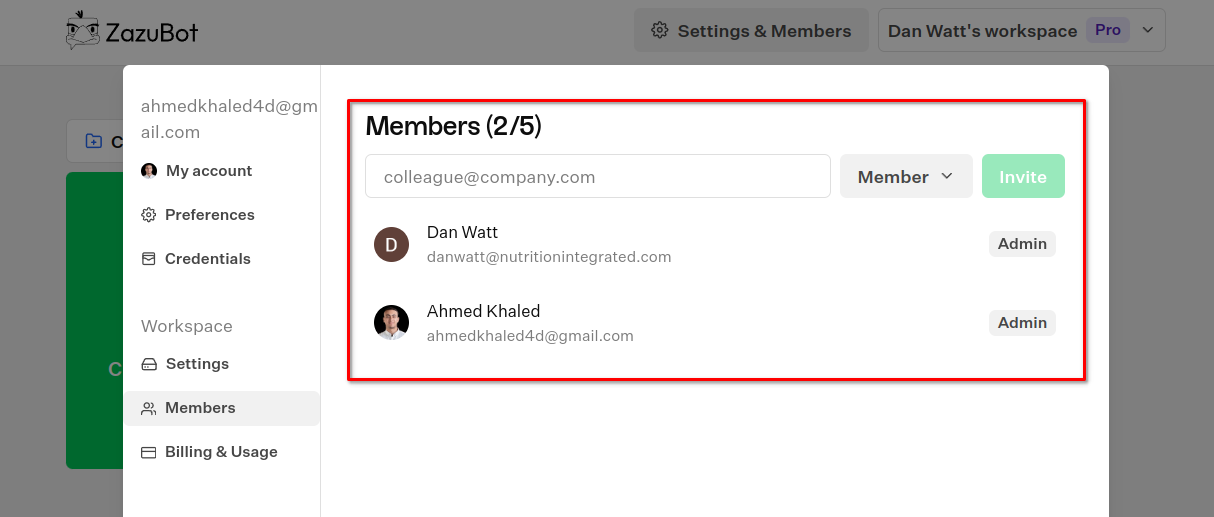 Someone is a member of a workspace when he has access to the whole workspace. Once someone is a member of a workspace, he will be will have this workspace visible in his workspaces dropdown:
 ## Admins
Administrators are the people who can manage the workspace. Invite new members, check the workspace settings, billing, and more.
## Delete a workspace
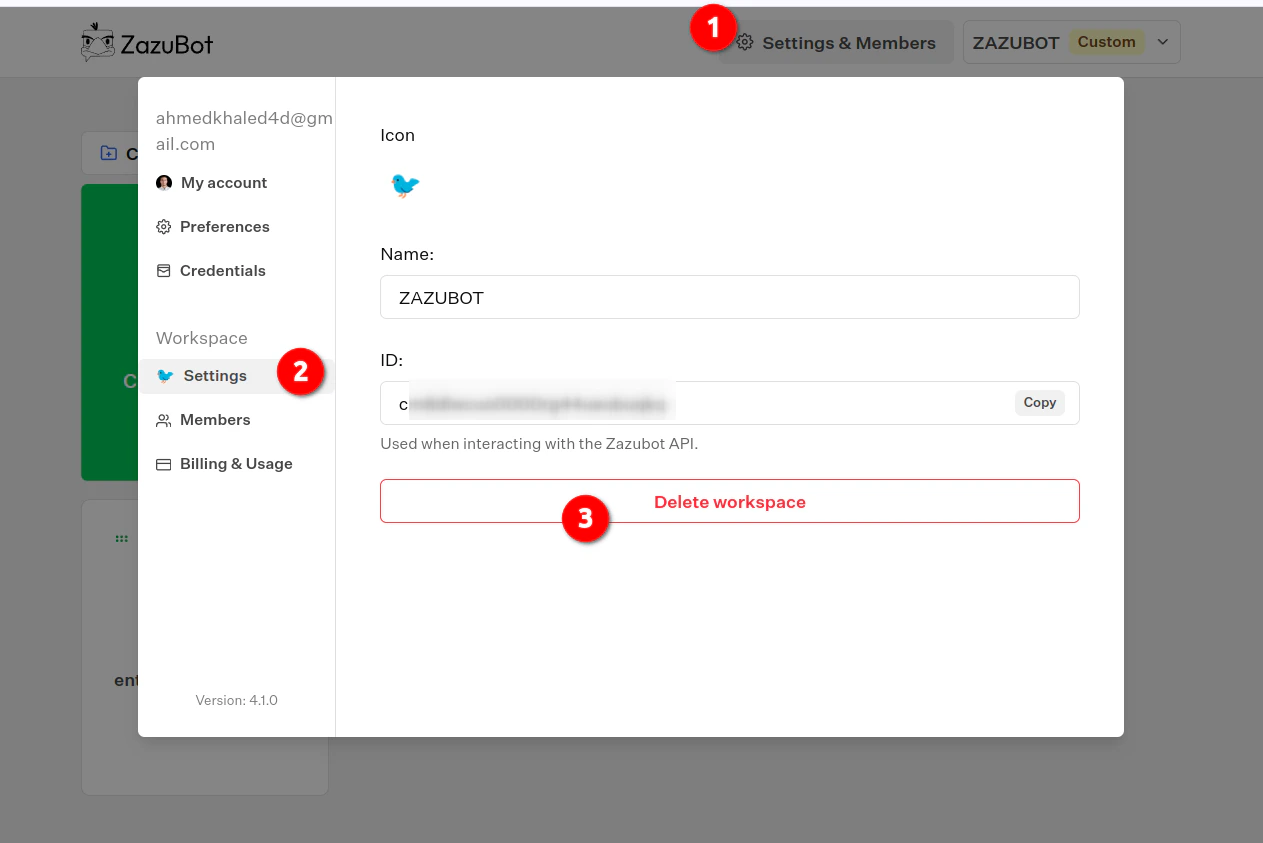
You can delete a workspace by navigating to the workspace settings:
## Admins
Administrators are the people who can manage the workspace. Invite new members, check the workspace settings, billing, and more.
## Delete a workspace
You can delete a workspace by navigating to the workspace settings: