> ## Documentation Index
> Fetch the complete documentation index at: https://docs.zazubot.com/llms.txt
> Use this file to discover all available pages before exploring further.
# Pabbly Connect
The Pabbly Connect integration block allows you to trigger a workflow at a given moment in your flow.
1. Insert a Pabbly Connect block where you want to trigger the workflow:
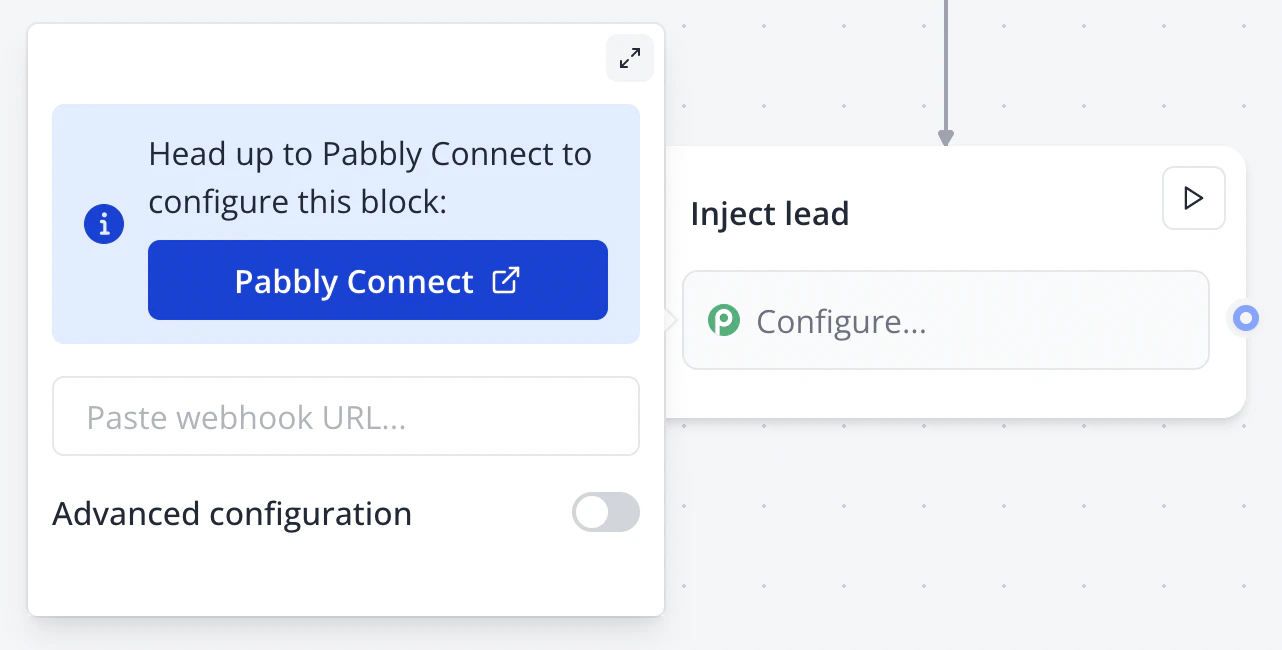 2. Follow the instructions on Pabbly Connect
3. It should give you a URL that you need to paste into the block configuration.
4. Pabbly Connect block should be properly configured.
2. Follow the instructions on Pabbly Connect
3. It should give you a URL that you need to paste into the block configuration.
4. Pabbly Connect block should be properly configured.