> ## Documentation Index
> Fetch the complete documentation index at: https://docs.zazubot.com/llms.txt
> Use this file to discover all available pages before exploring further.
# Text input
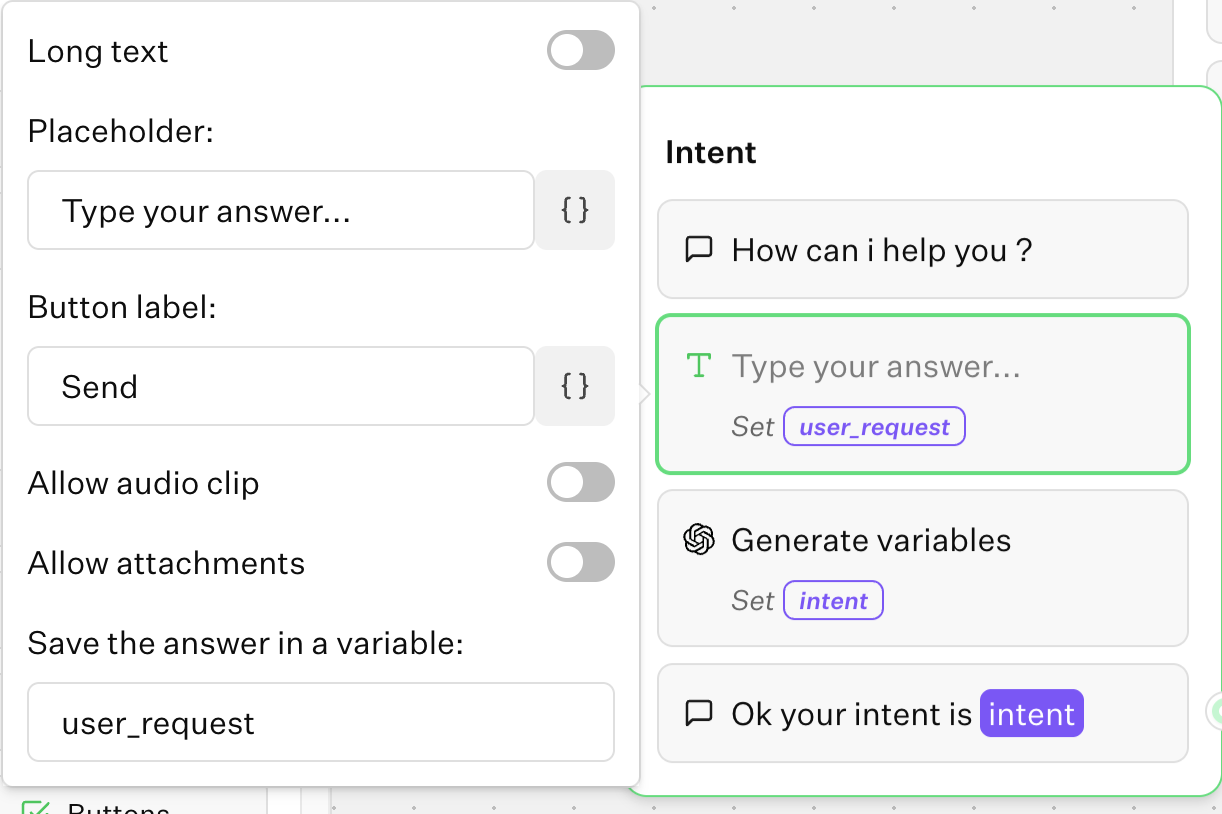
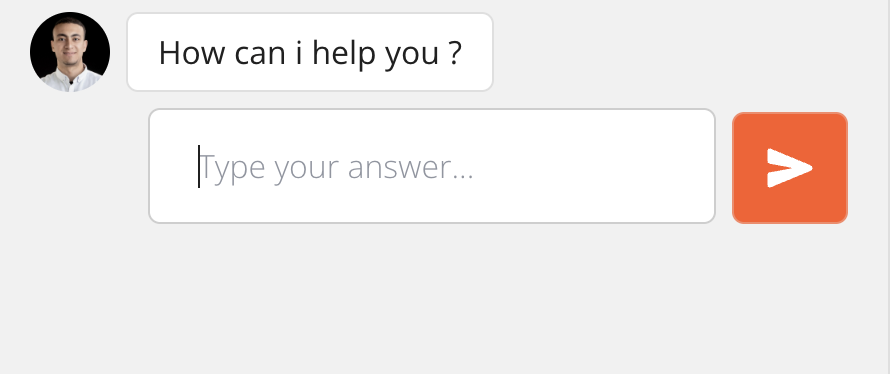
The Text input block allows you to ask your user for a text answer.
## Short text input
By default the text input is expecting a short answer:
 ## Long text input
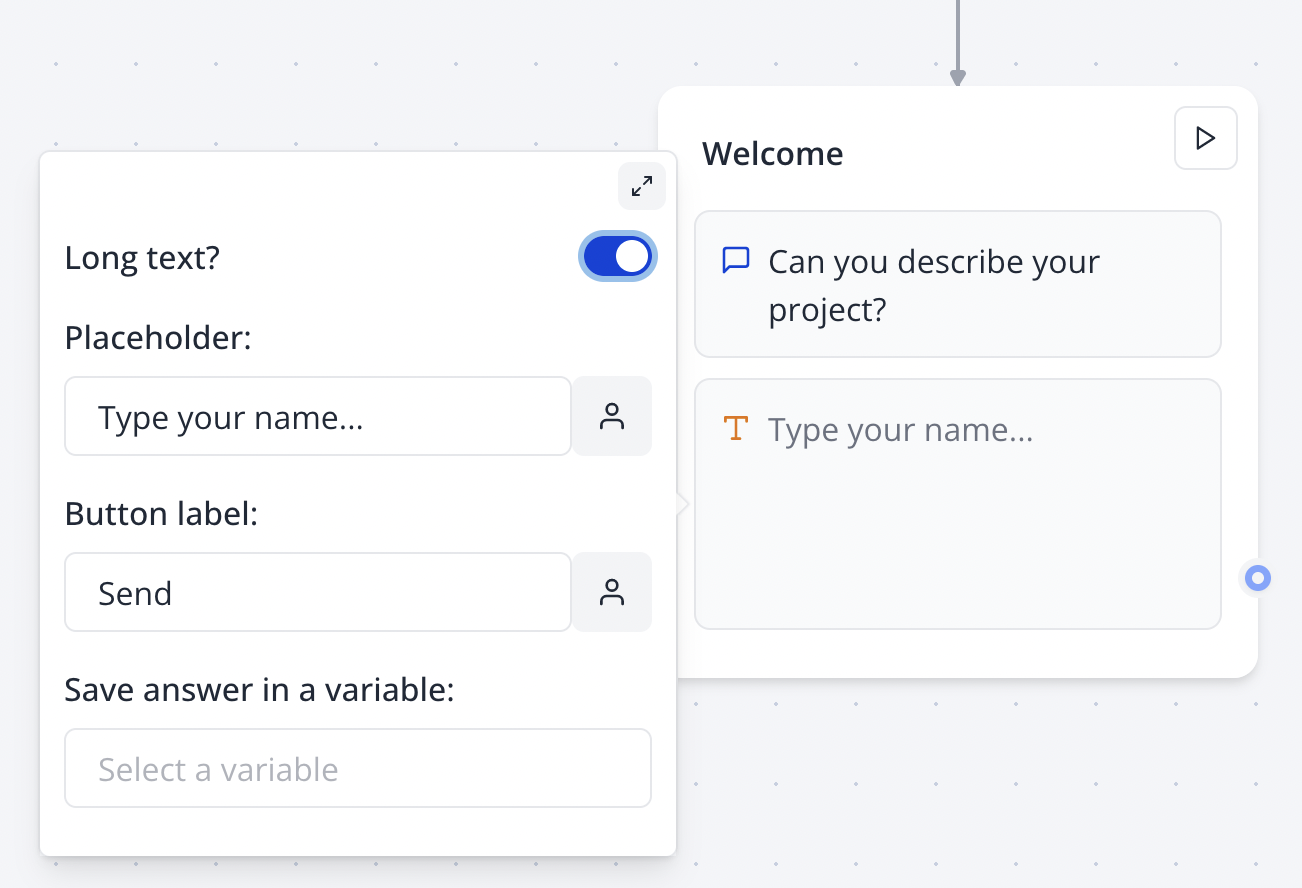
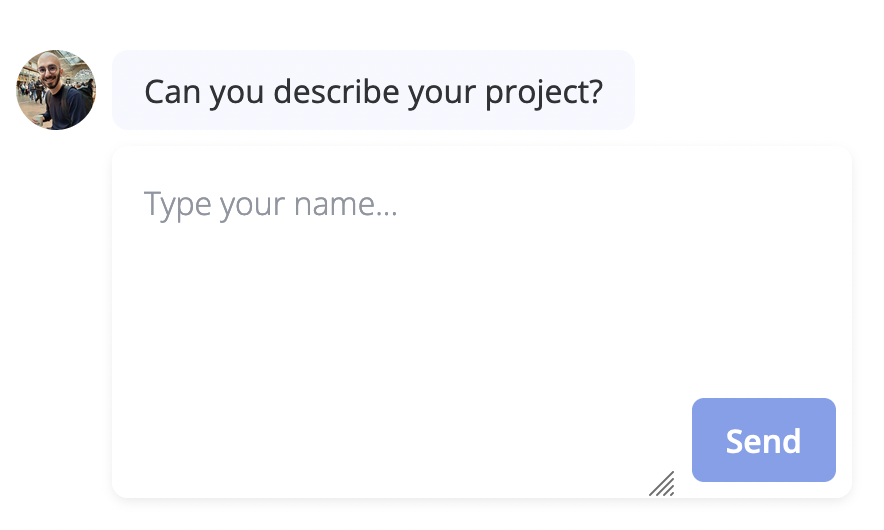
You can also ask your user for a longer text answer by enabling it in the input options:
## Long text input
You can also ask your user for a longer text answer by enabling it in the input options:
 ## Allow attachments
This option, when enabled, allows users to attach files to their message. This is useful when you want to ask for a document or a picture attached to the user messages.
The generated URL will be stored in the defined variable.
## Allow audio clips
This option, if enabled, displays a microphone button when the text input is empty. This allows users to record a voice message and send it to the bot.
If supported, the recorded file will be a WebM file. If not, it will be an MP4 file (i.e. Safari).
## Allow attachments
This option, when enabled, allows users to attach files to their message. This is useful when you want to ask for a document or a picture attached to the user messages.
The generated URL will be stored in the defined variable.
## Allow audio clips
This option, if enabled, displays a microphone button when the text input is empty. This allows users to record a voice message and send it to the bot.
If supported, the recorded file will be a WebM file. If not, it will be an MP4 file (i.e. Safari).