> ## Documentation Index
> Fetch the complete documentation index at: https://docs.zazubot.com/llms.txt
> Use this file to discover all available pages before exploring further.
# Date
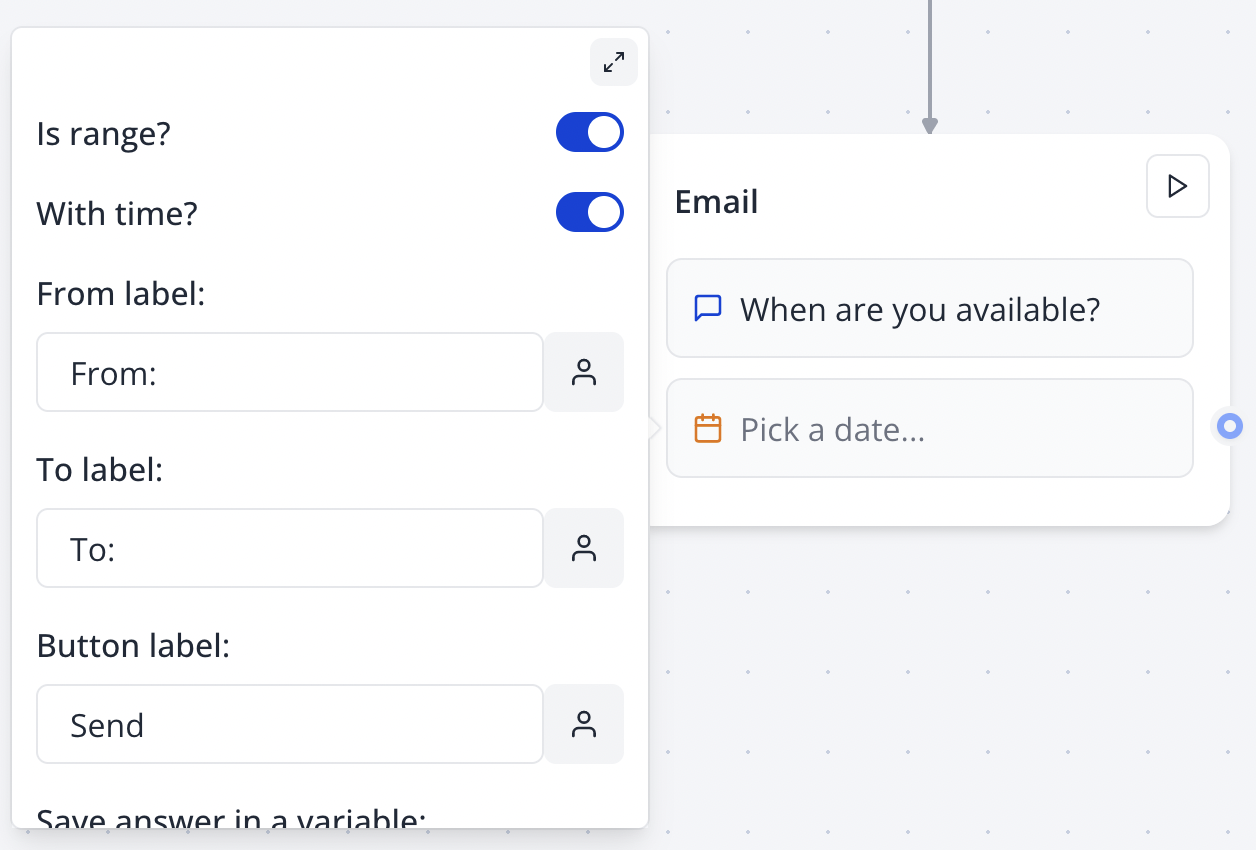
The Date input block allows you to ask your user for a date. You can ask for a specific date or range and include time:
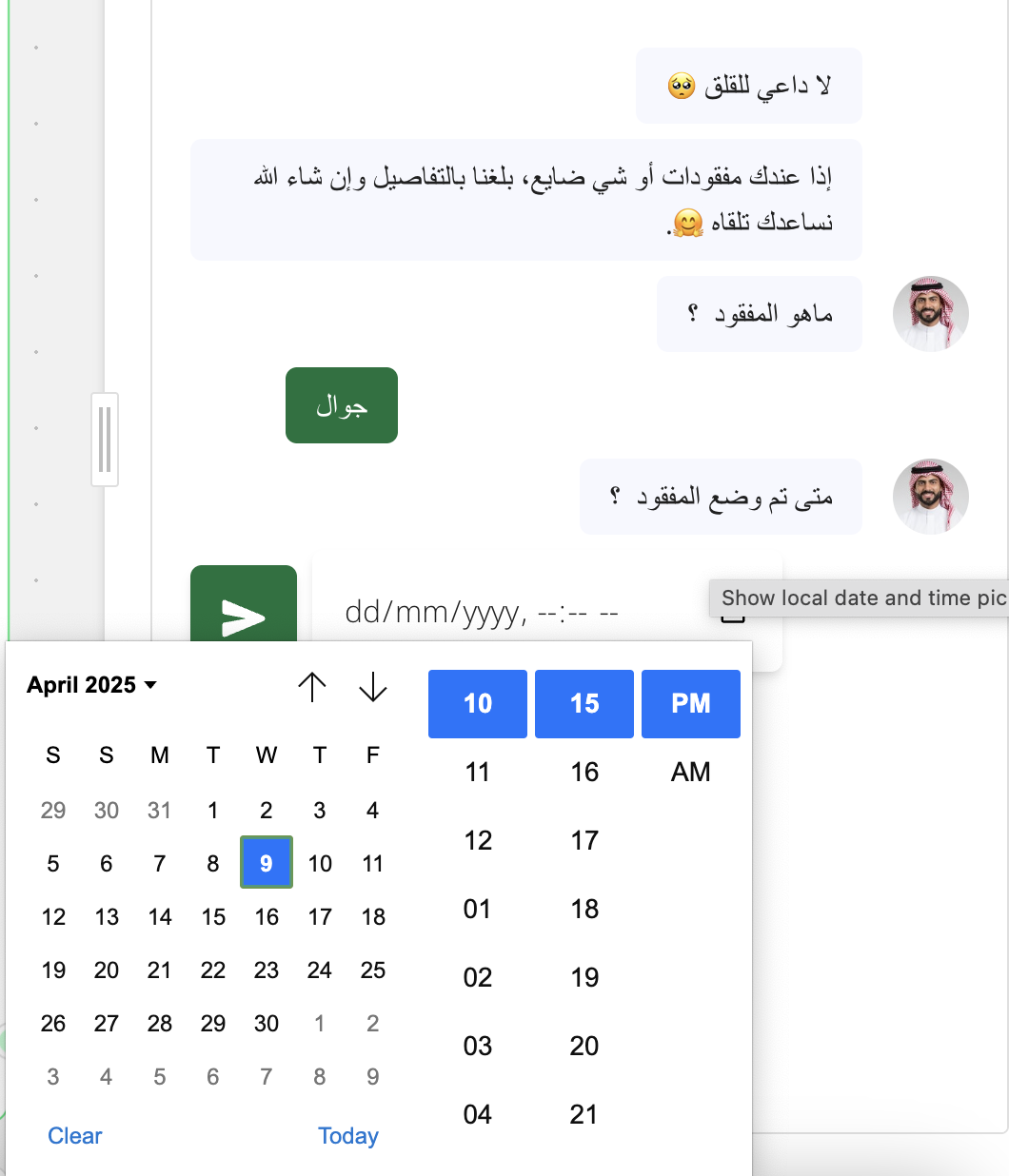
 The input will use the native date picker depending on the device and browser used to answer the bot. For example on Firefox it looks like this:
 ## Format
The `Format` setting lets you customize the picked date format. Under the hood, it is done using the [date-fns](https://date-fns.org/) library. You can use any of the [formatting tokens](https://date-fns.org/docs/format) supported by the library.
Here are some examples:
```text theme={null}
yyyy-MM-dd
yyyy-MM-dd HH:mm:ss
dd/MM/yy
dd/MM/yyyy HH:mm:ss
d.MM.yy
```
## Format
The `Format` setting lets you customize the picked date format. Under the hood, it is done using the [date-fns](https://date-fns.org/) library. You can use any of the [formatting tokens](https://date-fns.org/docs/format) supported by the library.
Here are some examples:
```text theme={null}
yyyy-MM-dd
yyyy-MM-dd HH:mm:ss
dd/MM/yy
dd/MM/yyyy HH:mm:ss
d.MM.yy
```